Look-alike map for iPhone
Which world regions do your features resemble?
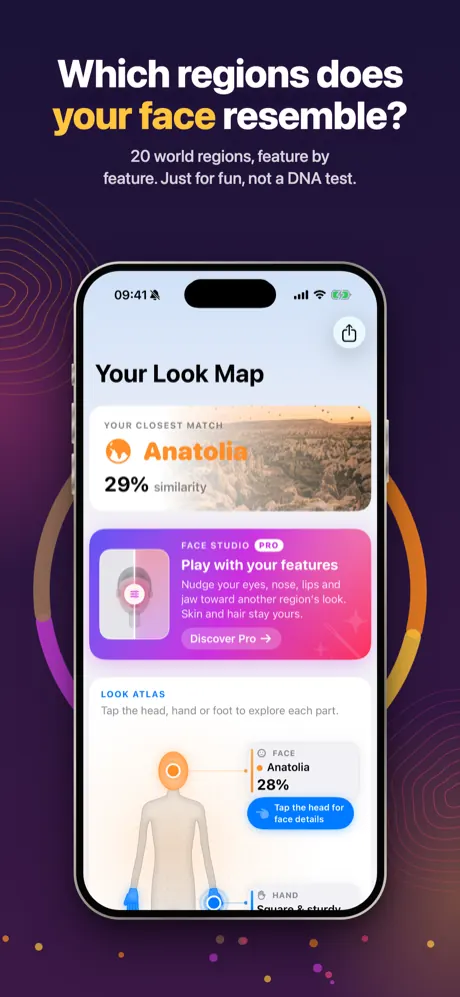
Take a selfie, and a hand and foot photo if you like. Contoura describes the visible shape of each feature, compares it with looks that are common in 20 broad world regions and puts the result on a tappable human map. It is a game about appearance: not a DNA test, and it says nothing about where you or your family come from.
Coming soon to the App Store
iPhone · iOS 17 or later
- 20 world regions
- Face, hand and foot
- Tappable body map
- Results stay on your iPhone
- No account, no ads
- 9 languages
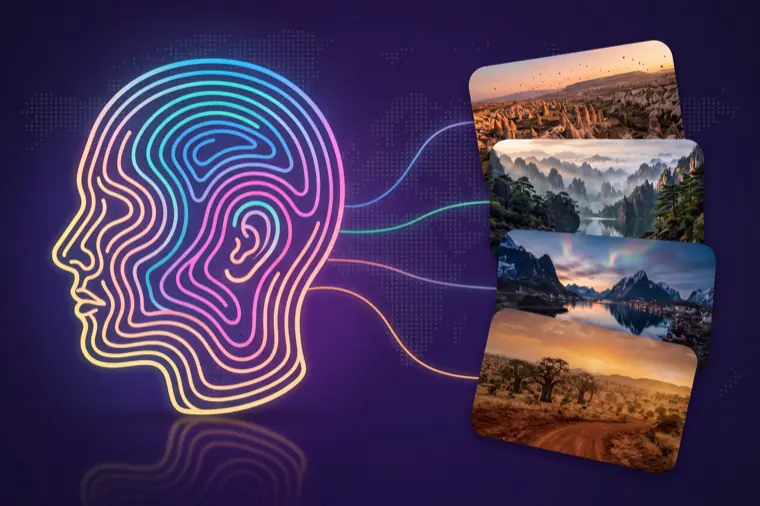
Just for fun, not a DNA test
Appearance only
Contoura looks at shapes and proportions you could point to in a photo, like the line of your nose bridge or the curve of your brows. It never reads your DNA.
No origin, no identity
A look-alike result does not say where you or your family come from, and it never names an ethnicity, a nationality or a flag. It does not identify anyone.
Every region is varied
Each of the 20 regions is home to a wide variety of looks. The app describes typical looks in general terms, not rules about people.
How it works
One scan takes a few photos and a short wait. You can scan your face, hand and foot together or just one of them.
Agree to how your photos are used
Before your first scan, a consent screen explains where each photo goes. You tick three boxes: the photo is sent for analysis, you are 16 or older and only scan yourself, and you understand it is entertainment.
Take your photos
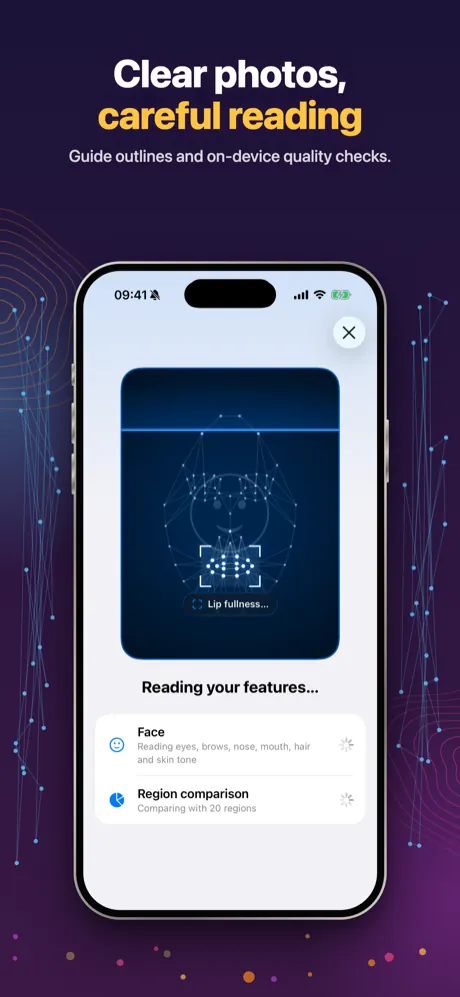
A straight-on selfie in daylight, the back of your hand with all fingers visible, and one bare foot from above. Guide outlines and on-device quality checks help you get a clear shot.
The AI reads your features
Each photo is described by Google Gemini (via kie.ai): eye and eyelid shape, nose bridge, lip fullness, jawline, hair texture, finger proportions, toe line and more.
Explore your map
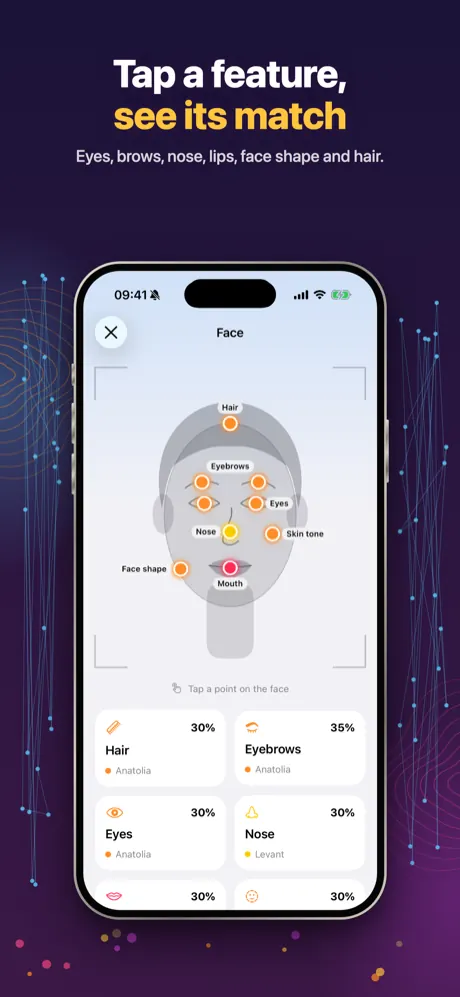
Tap the eyes, nose, mouth, face shape, hair, hand or foot to see which regions that feature resembles most, what the AI saw and why these regions came up.
What you get
A tappable human map
Your result appears on a body prototype. Every point is tappable and opens that part with its own region list.
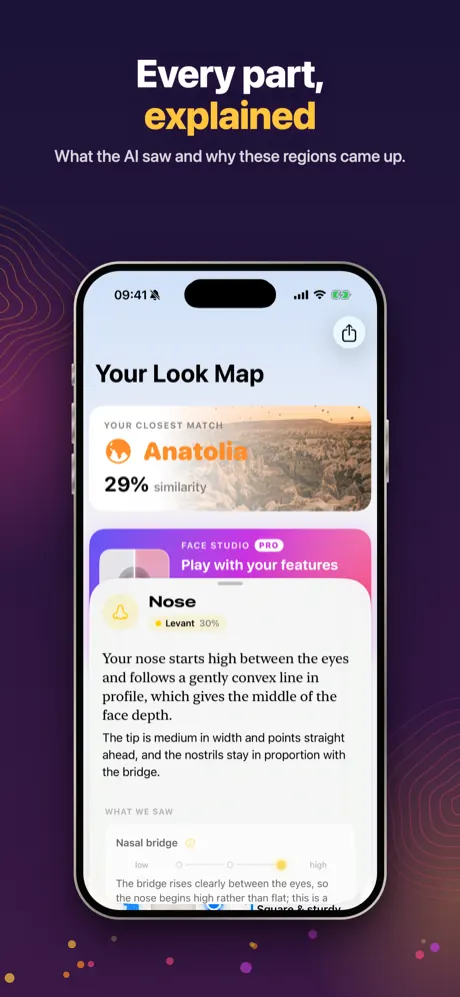
Every part, explained
For each feature: a short summary, what the AI saw, why these regions came up and a fun fact. Anatomy words get a plain-language gloss.
Your overall mix
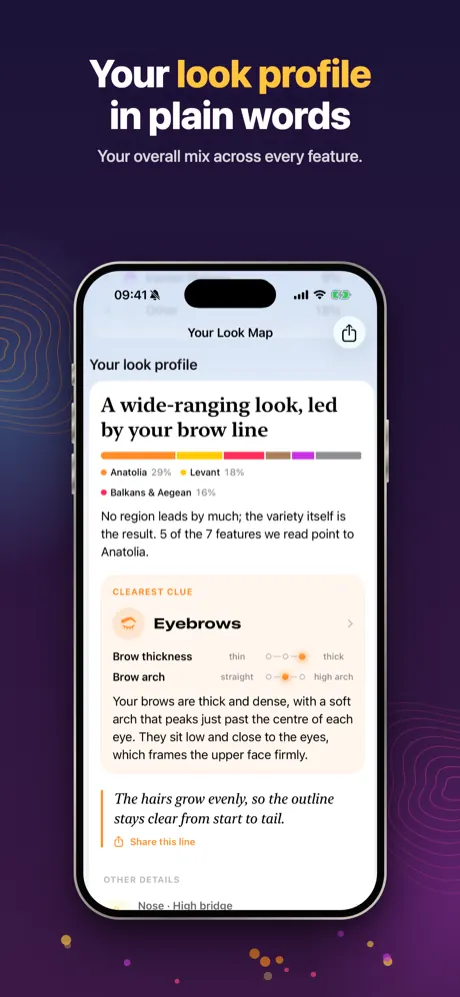
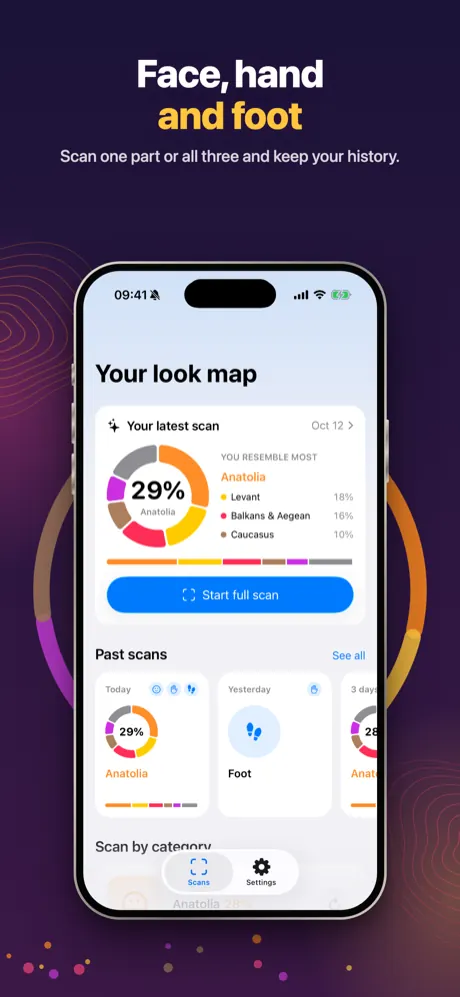
All features are combined on your iPhone into one look-alike mix, plus a look profile in plain words that names your clearest clue.
Hand type and foot type
Find your hand type from palm and finger proportions, and the folklore foot type from your toe line: Egyptian, Greek, Roman, Germanic or Celtic.
The 20-region atlas
Contoura compares your features with these broad geographic regions. Browse the typical looks of each one in the app; regions that come up in your scans are shown first.
- Anatolia
- Caucasus
- Balkans & Aegean
- Levant
- Arabian Peninsula
- Iranian Plateau
- Central Asia & Steppe
- North Africa & Egypt
- Mediterranean Europe
- Western Europe
- Britain & Ireland
- Nordic & Baltic
- Eastern Europe
- West Africa
- East Africa & Horn
- Central & Southern Africa
- South Asia
- East Asia
- Southeast Asia
- Americas & Oceania
More to explore
- Genes and your face: 15 short, sourced cards on what science knows about the features Contoura looks at.
- Discover your features: quick visual guides to eyelid types, brow arches, nose profiles, jawlines, hand types and foot types.
- Scan history: rescan any time, filter by face, hand or foot and compare your results.
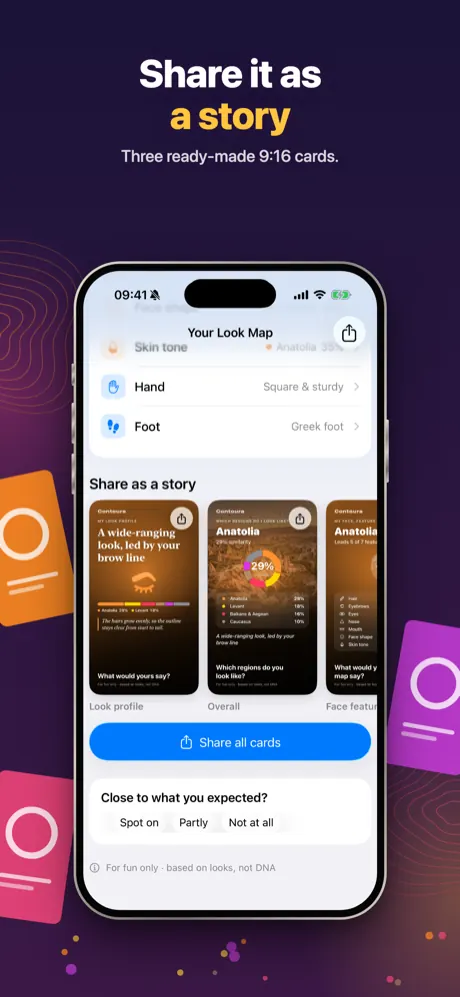
- Story cards: share your result as ready-made 9:16 cards.
Face Studio (Pro)
An optional extra for ages 18 and up, on your own face scan only.
- Shape, one feature at a time: nudge the shape of your eyes, brows, nose, lips and jaw with sliders and get a subtle AI-edited preview of your own face.
- Still you: skin tone, hair, expression and background are locked, and no region or ethnicity information is sent to the image model.
- Clearly labelled: compare before and after; every saved or shared edit carries an “AI-edited” mark. Pro includes 10 AI edits a week.
Your photos, your choice
- Consent first: no photo leaves your iPhone until you agree on the consent screen. You can withdraw it any time in Settings › Privacy & data.
- Not stored on servers: analysis photos are sent over an encrypted connection via kie.ai to Google Gemini only to produce your result; we do not keep them on any server.
- Results stay on your device: scans and studio results are saved only on your iPhone, not in iCloud. Delete one scan or everything whenever you want.
- No account, no ads, no tracking: analytics never includes your photos, regions or scores. Details are in the privacy policy.
At a glance
- Photos
- a selfie, the back of one hand and one bare foot (any one is enough)
- Features
- eyes, eyebrows, nose, mouth, face shape, hair, skin tone, hand and foot
- Regions
- 20 broad world regions
- AI
- Google Gemini via kie.ai; Face Studio uses an image-editing model
- Storage
- results only on your iPhone; photos not stored on servers
- Age
- 16+; Face Studio 18+
- Price
- first scan free with a partial result; Premium or Pro, weekly or yearly
- Availability
- iPhone, iOS 17 or later; not offered in the EU or EEA
- Languages
- English, Turkish, German, French, Spanish, Brazilian Portuguese, Japanese, Korean, Traditional Chinese
Screenshots
Quick answers
What is Contoura?
Contoura is an entertainment app for iPhone that compares the visible shape of your face, hand and foot features with looks that are common in 20 broad world regions. The result is a tappable human map with a region list for every feature and an overall look-alike mix.
Is Contoura a DNA or ancestry test?
No. Contoura only looks at appearance in a photo and is for entertainment. It does not read DNA, it says nothing about where you or your family come from, and it never names an ethnicity, a nationality or a flag.
How accurate is it?
Contoura is a look-alike game, not a measurement of who you are. Clear shapes such as a nose bridge are read reliably from a good photo, while colour and tone depend on light. Every region is home to a wide variety of looks, so treat the result as a playful comparison.
Where do my photos go? Are they stored?
Only with your consent, each analysis photo is sent over an encrypted connection via kie.ai to Google Gemini, which describes the visible features. Photos are not stored on our servers, and your results are saved only on your iPhone. See the privacy policy.
All questions →
Curious what your map looks like?
One selfie is enough to start. Your first scan is free.
Coming soon to the App Store